Tired of figuring out how much RAM your Minecraft server needs?
Most people give you a vague range like 2-4GB for a small server or 10GB for a modded server, but what does that actually mean? Does that mean any modded server should be 10GB?
In this guide, we will go over specific scenarios and server types to give you the specific numbers for your Minecraft Server.
Minecraft Server RAM Quick Reference
If you just need numbers, here's the table.
| Server Type | 1-5 Players | 5-10 Players | 10-20 Players | 20+ Players |
|---|---|---|---|---|
| Vanilla Survival/Creative | 2-3GB | 3-4GB | 4-6GB | 6-8GB |
| Plugins (Paper/Spigot) | 3-4GB | 4-6GB | 6-8GB | 8-12GB |
| Light Modpacks (<50 mods) | 4-6GB | 6-8GB | 8-10GB | 10-12GB |
| Heavy Modpacks (100+ mods) | 8-10GB | 10-12GB | 12-16GB | 16GB+ |
For specific modpack requirements, jump to the modpack RAM requirements section.
What Uses RAM on a Minecraft Server?
Your server stores everything happening in-game inside RAM: loaded chunks, mobs, player inventories, item drops, and any mods or plugins you're running.
The main factors that consume RAM:
- Loaded chunks - Every loaded chunk stays in memory until it is unloaded. Players spread across the world loads more chunks than players grouped together.
- Entities - Mobs, animals, item drops, armour stands, and minecarts all consume memory.
- Worlds - Several loaded worlds, with builds and explored terrain need more RAM than new worlds.
- Mods and plugins - Each mod adds new blocks, items, entities, and systems that need memory. A 200+ mod pack needs more RAM than vanilla.
- View and simulation distance - Higher values load more chunks per player. Most servers run well at 6-8 view & simulation distance.
One thing to note: complex redstone builds and automation systems primarily stress your CPU rather than RAM. If you're experiencing lag from large redstone contraptions, adding more RAM won't fix it.
Minecraft Server RAM Requirements by Server Type
Vanilla Survival and Creative Servers
Vanilla Minecraft without mods or plugins is the lightest server to run.
For a small group of friends, 2-3GB works fine. As they explore the world or as your server grows, you will likely need more RAM.
| Players | Recommended RAM |
|---|---|
| 1-5 | 2-3GB |
| 5-10 | 3-4GB |
| 10-20 | 4-6GB |
| 20+ | 6-8GB |
Plugin Servers (Paper, Spigot, Purpur)
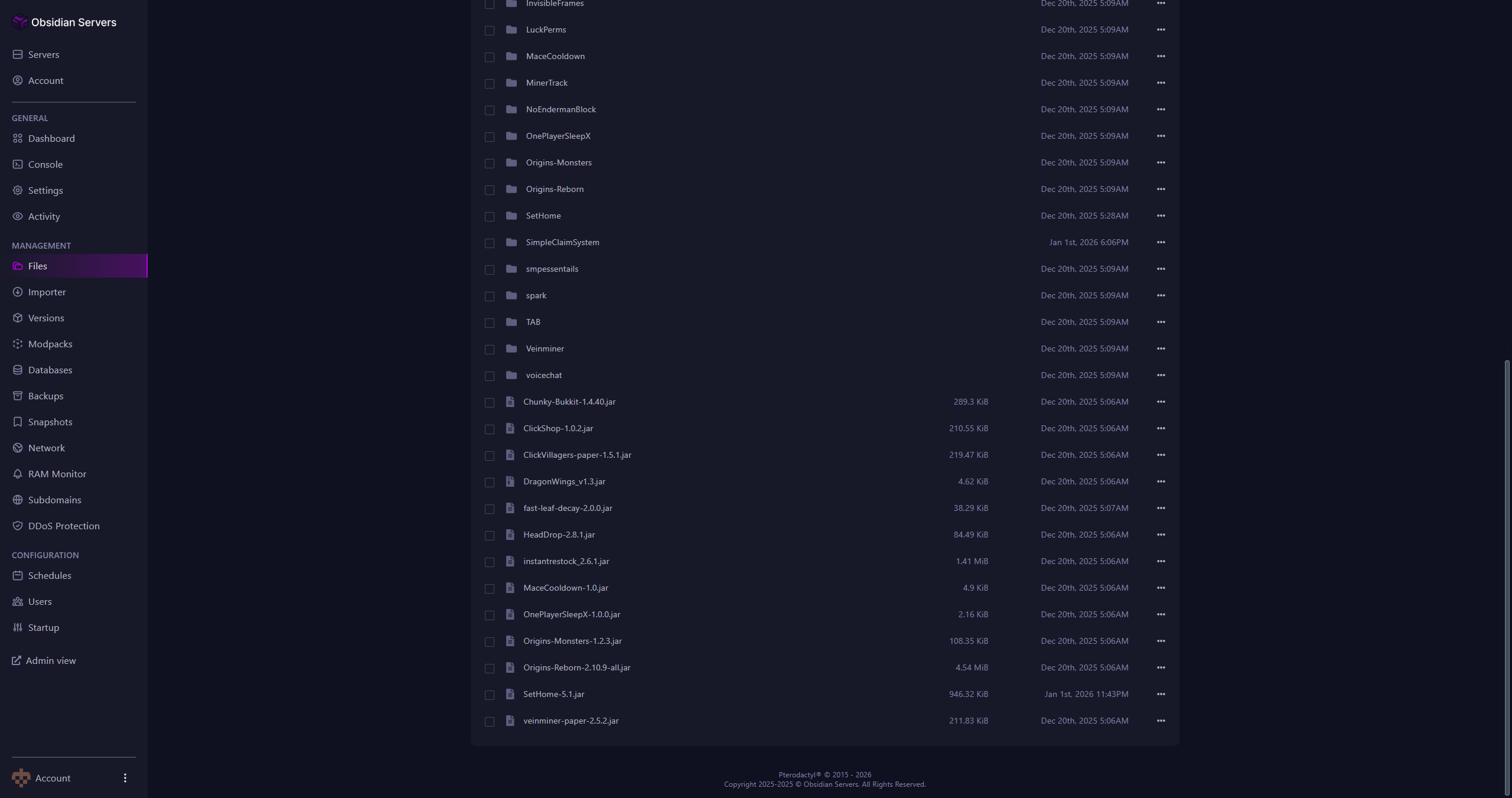
Running PaperMC or Spigot with plugins uses more RAM compared to vanilla, and depending on the plugin, it might use very little RAM or might consume a lot of it, depending on what the plugin offers, the majority of plugins won't any impact on RAM.
A server with 30 plugins typically uses less RAM than a server with 30 mods.
| Players | Recommended RAM |
|---|---|
| 1-5 | 3-4GB |
| 5-10 | 4-6GB |
| 10-20 | 6-8GB |
| 20+ | 8-12GB |
Some plugins are heavier than others. Dynmap, CoreProtect, and Slimefun all increase RAM usage. If you're running multiple resource-intensive plugins, add 1-2GB to the recommendations above.
Proxy and Network Servers
Running a network with BungeeCord or Velocity? Your proxy server won't need much RAM since it's only taking players between servers.
| Server Type | Recommended RAM |
|---|---|
| Proxy (BungeeCord/Velocity) | 512MB-1GB |
| Limbo (AFK/waiting rooms) | 256-512MB |
| Lobby servers | 2-3GB |
| Game servers | Based on type (see above) |
Limbo servers are standalone lightweight servers designed to hold AFK players or act as waiting rooms. They strip away unnecessary Minecraft features like world generation and entity processing, allowing them to handle hundreds of players with minimal resources. Some implementations like PicoLimbo can run under 10MB of RAM. If your network has players who AFK frequently, moving them to a Limbo server reduces load on your main game servers.
Each individual game server needs its own RAM allocation based on what it's running.
How Much RAM for Popular Minecraft Modpacks
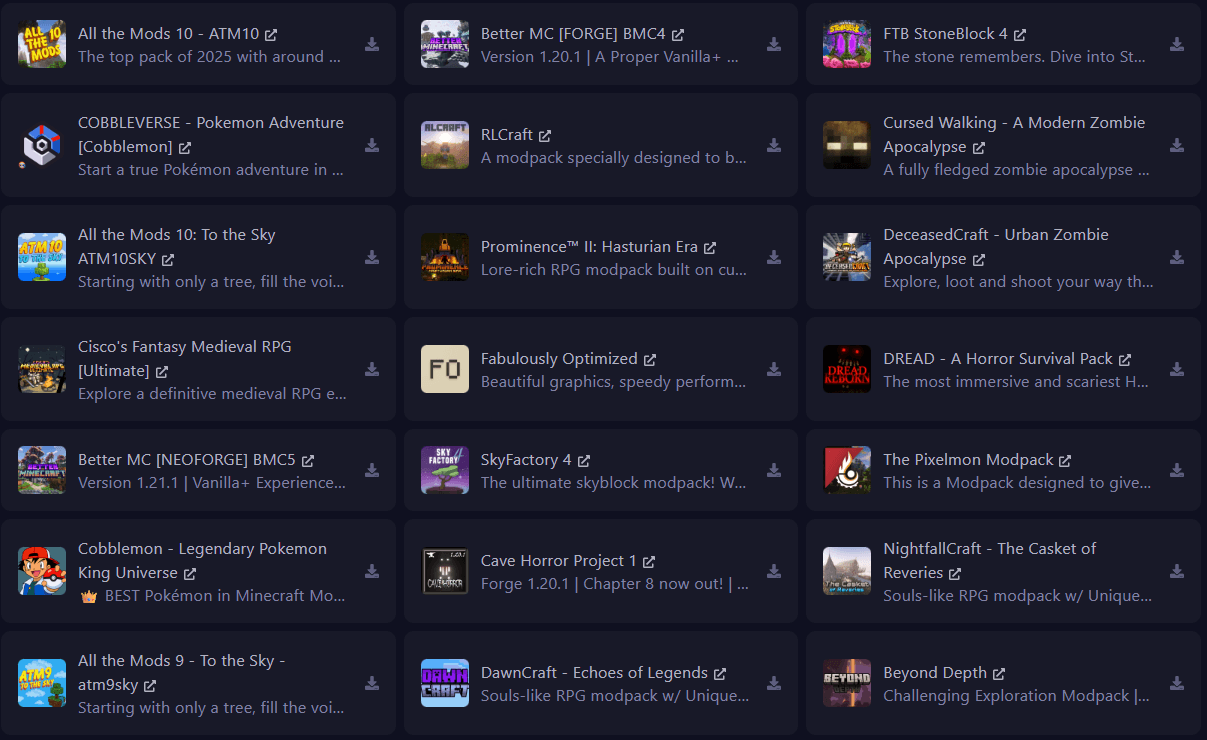
Minecraft Modpacks RAM requirements vary wildly depending on the type of modpack. Simpler packs like BetterMC won't need as much RAM as All the Mods 10 as an example.
We will break down popular modpacks and their requirements + real world experience of running them
How Much RAM for All The Mods 10 (ATM10)
All The Mods 10 includes over 400 mods covering tech, magic, exploration, and quality-of-life improvements. It's one of the heaviest modpacks available.
| Players | Minimum | Recommended |
|---|---|---|
| 1-5 | 6GB | 8GB |
| 5-10 | 8GB | 10GB |
| 10+ | 10GB | 14GB |
The ATM team recommends 8GB+ for servers. In practice, CPU performance matters more over RAM. With a high performing CPU, you can get a comfortable experience with 6GB of RAM.
How Much RAM for Vault Hunters 3rd Edition
Vault Hunters generates unique dungeon dimensions on the fly, which demands both CPU and RAM.
| Players | Minimum | Recommended |
|---|---|---|
| 1-5 | 8GB | 10GB |
| 5-10 | 10GB | 12GB |
| 10+ | 12GB | 14GB |
The official recommendation is 8GB minimum with 6GB allocated to Minecraft specifically.
How Much RAM for RLCraft
RLCraft transforms Minecraft into a hardcore survival experience. Despite running on Minecraft 1.12.2, it's resource-intensive due to Lycanites Mobs and dynamic environmental systems.
| Players | Minimum | Recommended |
|---|---|---|
| 1-5 | 6GB | 8GB |
| 5-10 | 8GB | 10GB |
| 10+ | 10GB | 12GB |
How Much RAM for Pixelmon
Pixelmon adds hundreds of Pokémon that spawn throughout the world. Each Pokémon in a loaded chunk consumes memory, so RAM requirements scale with player spacing.
| Players | Minimum | Recommended |
|---|---|---|
| 1-5 | 6GB | 8GB |
| 5-10 | 8GB | 10GB |
| 10+ | 10GB | 12GB |
How Much RAM for Create Modpacks
Create and its addon ecosystem (Create: Above and Beyond, Create: Astral) focus on mechanical automation. These packs are moderately demanding - heavier than vanilla but lighter than kitchen-sink packs.
| Players | Minimum | Recommended |
|---|---|---|
| 1-5 | 6GB | 8GB |
| 5-10 | 8GB | 10GB |
| 10+ | 10GB | 12GB |
How Much RAM for SkyFactory 4
SkyFactory 4 is lighter than traditional kitchen-sink packs since the void world eliminates terrain generation overhead. However, the automation focus creates different demands as your base grows.
| Players | Minimum | Recommended |
|---|---|---|
| 1-5 | 4GB | 6GB |
| 5-10 | 6GB | 8GB |
| 10+ | 8GB | 10GB |
How Much RAM for Other Modpacks
| Modpack | Minimum | Recommended |
|---|---|---|
| All The Mods 9 | 8GB | 10-12GB |
| Better Minecraft | 6GB | 8GB |
| FTB Infinity Evolved | 8GB | 10-12GB |
| Enigmatica 2: Expert | 8GB | 10GB |
| Stoneblock 3 | 4GB | 6GB |
| FTB Revelation | 6GB | 8GB |
Always check the modpack's CurseForge or Modrinth page for official recommendations.
Ready to get started? We offer Minecraft hosting from 1-12GB with Ryzen 9 7950X3D processors, instant setup, and a 14-day money-back guarantee. View our plans and find the right fit for your server.
Why More RAM Isn't Always Better
Allocating too much RAM can actually hurt performance.
Minecraft runs on Java, which uses garbage collection to clean up unused memory. When you allocate RAM (say, 20GB for a server that only needs 8GB), the garbage collector has more memory to scan. This causes longer cleanup pauses that show up as periodic lag spikes.
The practical ceiling for most servers is 12-16GB. Beyond that, you're unlikely to see benefits and may experience worse performance. If you find yourself needing more than 16GB, consider splitting your setup into multiple servers behind a proxy like Velocity or BungeeCord. A network with separate servers for survival, minigames, and a Limbo server for AFK players will often outperform a single massive server - and gives you more flexibility as your community grows.
If your server lags but RAM usage is low, the bottleneck is likely your CPU, not memory. Use a profiler like Spark to identify the actual cause before upgrading RAM.
Signs Your Minecraft Server Needs More RAM
How do you know if RAM is actually your problem?
RAM is likely the issue if you see:
- Chunks loading slowly or appearing empty
- "Out of Memory" crashes in the console
- RAM usage consistently above 90%
- Lag spikes when players explore new areas
RAM is probably not the issue if:
- TPS drops during world exploration or redstone activity (CPU issue)
- Lag occurs with low RAM usage (CPU or plugin issue)
- Only specific players experience lag (client-side or network issue)
How to Choose the Right Server Plan
Start with the recommendations in this guide based on your server type and expected player count.
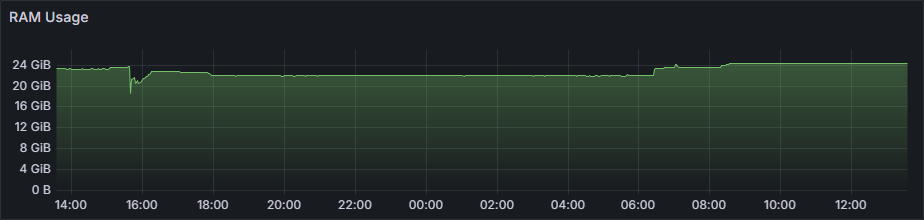
Monitor your actual usage during peak play. Most control panels show RAM consumption in real-time. If you're consistently hitting 85%+ RAM usage during busy periods, it's time to upgrade.
When your server grows, you should be able to scale up without migrating worlds or losing progress.
How much RAM do I need for a Minecraft server with 10 players?
For vanilla Minecraft with 10 players, 4GB is sufficient. For a plugin server (Paper/Spigot), 4-6GB works well. For modded servers, requirements vary by modpack - light packs need 6-8GB while heavy packs like ATM10 need 10-12GB.
Can I run a Minecraft server with 2GB of RAM?
Yes, but only for vanilla servers with 1-5 players and no plugins. Performance will be limited, and you'll likely need to upgrade as your world grows. For any serious server, 4GB is a safer starting point.
How much RAM does All The Mods 10 need?
All The Mods 10 needs a minimum of 8GB RAM for servers. For a comfortable experience with 5+ players, allocate 10-12GB.
How much RAM for a Vault Hunters server?
Vault Hunters 3rd Edition requires a minimum of 8GB RAM. For multiplayer servers with active vault running, 10GB is recommended.
Is 8GB RAM enough for a modded Minecraft server?
For light to medium modpacks (under 100 mods), 8GB is usually sufficient. For heavy modpacks like ATM10, RLCraft, or Vault Hunters, you'll want 10GB or more.
Does allocating more RAM always improve performance?
No. Over-allocating RAM can cause longer garbage collection pauses, resulting in lag spikes. Allocate what your server needs plus reasonable headroom (20-30%), not the maximum available.
What's the difference between RAM and CPU for Minecraft servers?
RAM stores active game data (chunks, entities, player data). CPU processes game logic (ticks, redstone, mob AI). Both matter - a server with plenty of RAM but a weak CPU will still lag. Minecraft benefits most from strong single-thread CPU performance.
How much RAM do you need for your server?
Choosing the right amount of RAM depends on your server type, player count, and what you're running. Vanilla servers need the least, plugin servers need moderate amounts, and modded servers - especially heavy modpacks - need the most.
For most players starting out:
- Vanilla with friends: 3-4GB
- Plugin server (SMP): 4-6GB
- Light modpacks: 6-8GB
- Heavy modpacks (ATM10, Vault Hunters): 10-12GB